Before
“I swear I just had it.”
DropSpot for iOS & Android
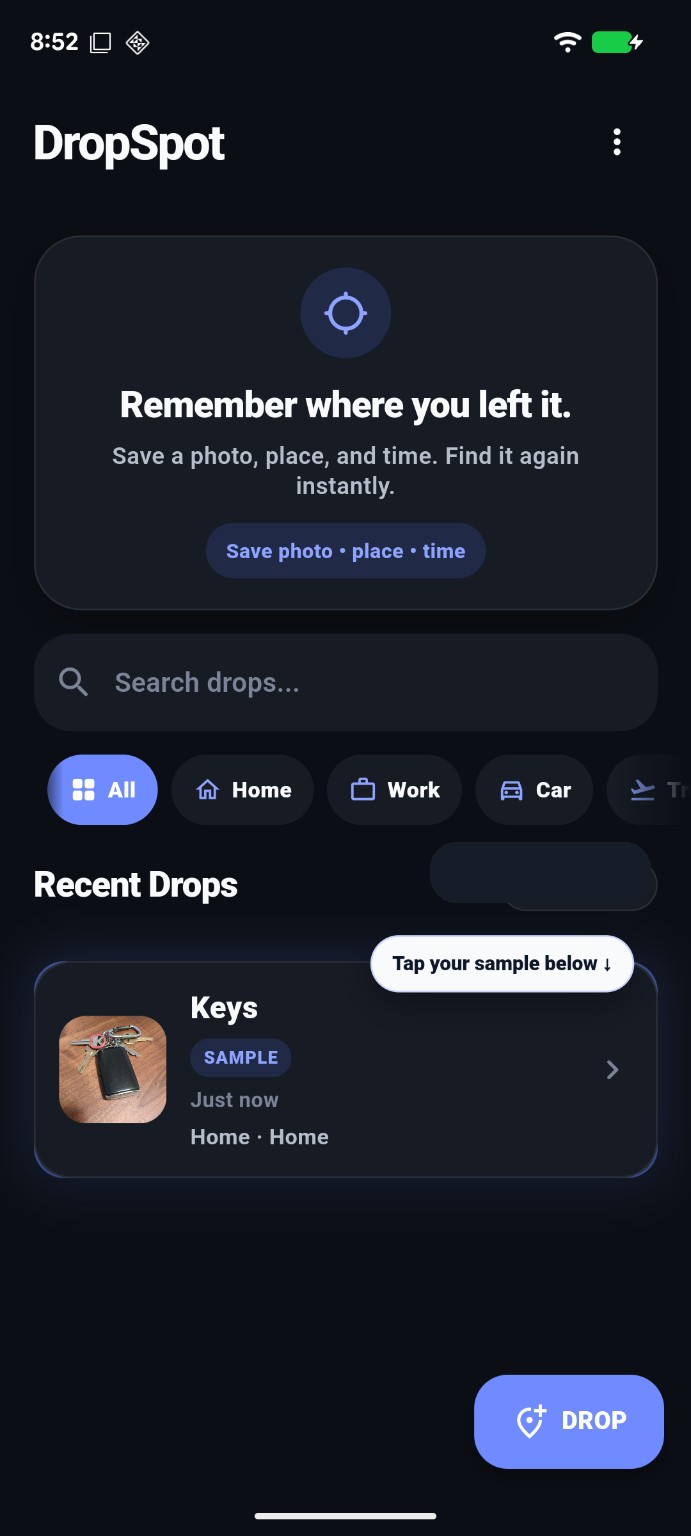
Save a photo, place, and time the moment you set something down. Find it again later.
Snap a photo when you put something down. DropSpot remembers the exact place and time automatically.
Private by default • Photo + place + time • Takes seconds
Keys. Wallet. Bag. The things you set down for “just a second.”
Because “I just had it a second ago” happens daily.
Available now on the App Store and Google Play.


The everyday problem
Keys before leaving. A wallet before checkout. A document before a deadline. DropSpot turns the moment you set something down into a memory you can return to.
“I swear I just had it.”
Photo, place, and time saved in seconds.
Open the last spot and get back to your day.
Real life moments
“Wait... where are my keys?”
Wallet? Purse? Jacket? One quick check.
And forgetting where “temporary” was.
Real ways people use DropSpot
DropSpot helps you remember places, details, and useful information you want to find again later.
Save HVAC filter sizes, paint colors, appliance model numbers, and repair details you’ll need again later.
Remember where you parked in unfamiliar cities, airports, stadiums, festivals, and large event lots.
Save kayak launch points, campsites, trailheads, fishing spots, and places that are hard to find again.
Compare furniture, appliances, and home décor across stores while remembering exactly where each item was found.
Track boxes, seasonal decorations, tools, and items placed in closets, basements, garages, or storage units.
Everyone uses DropSpot differently. Try it, then tell us what you saved and how it helped.
Core loop
DropSpot is intentionally simple: capture what you placed, where you placed it, and when it happened.
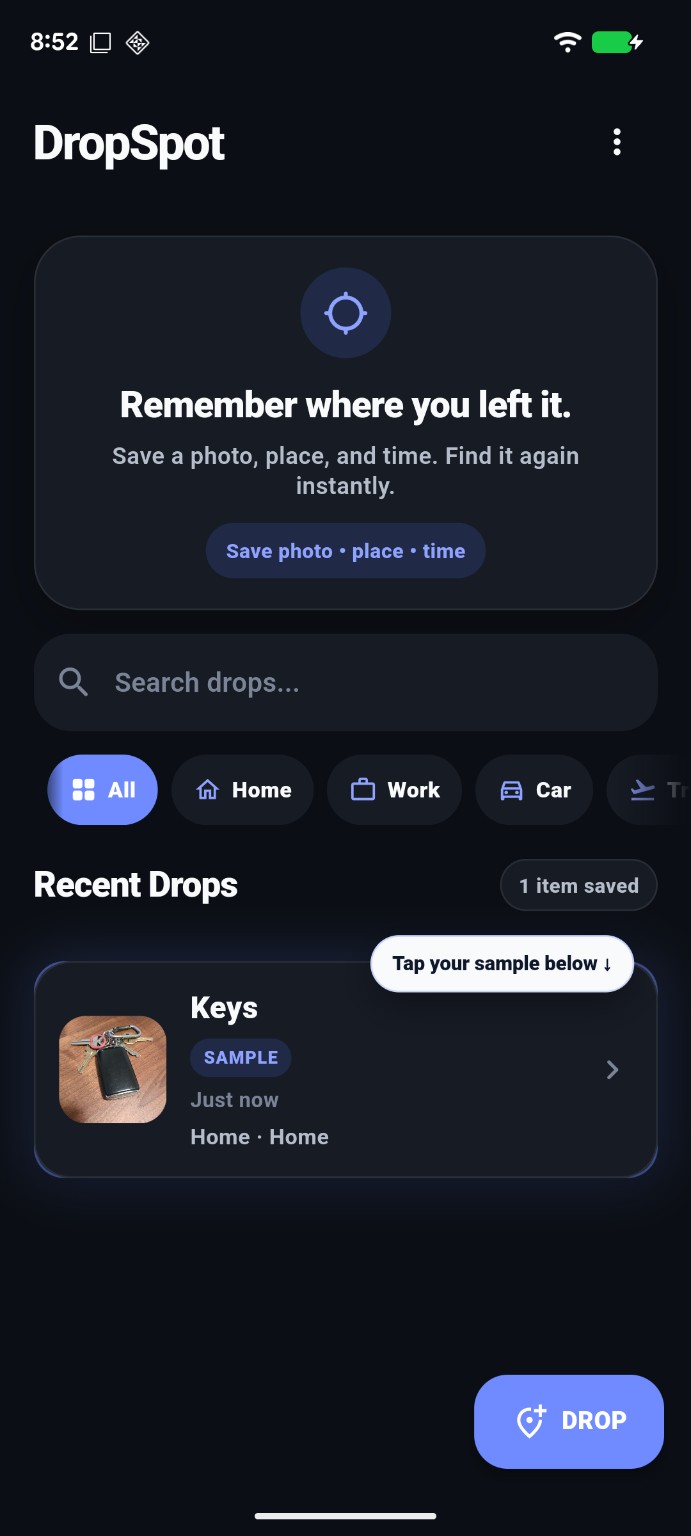
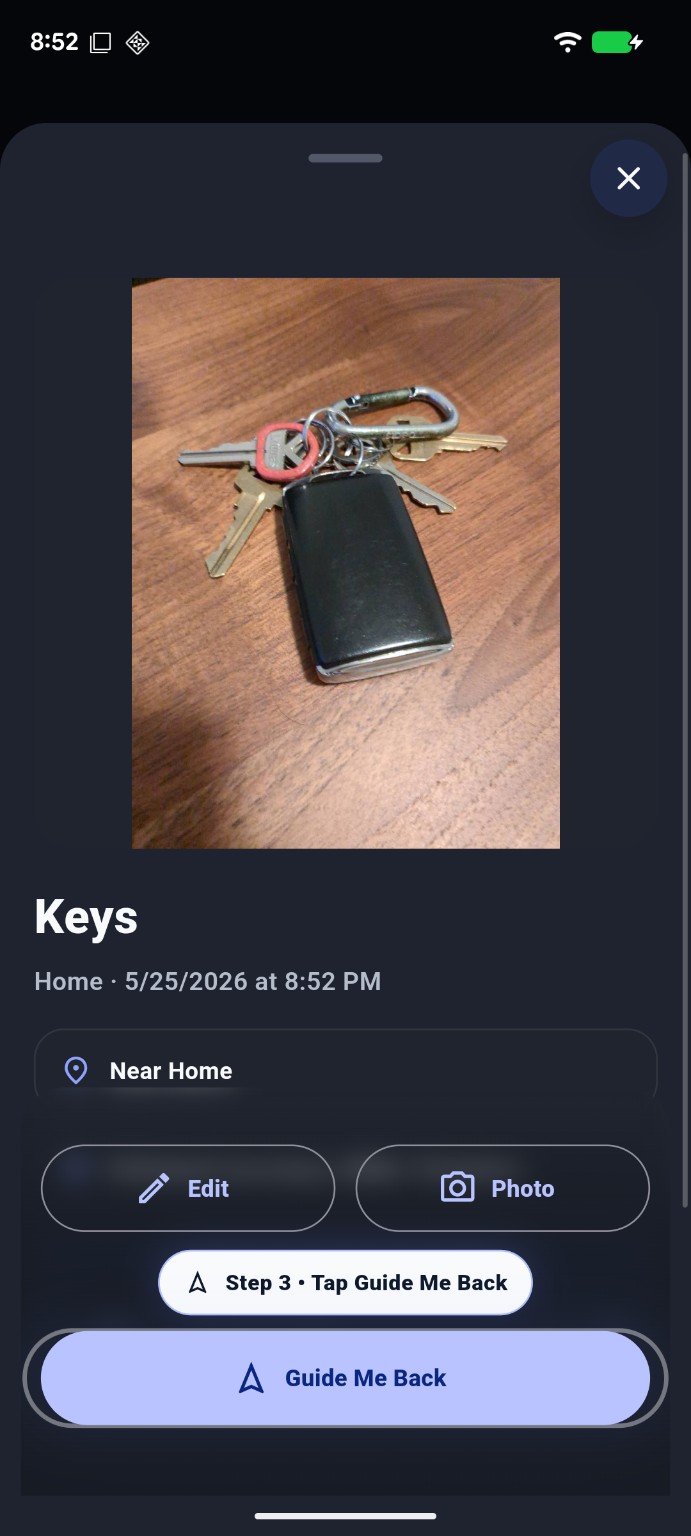
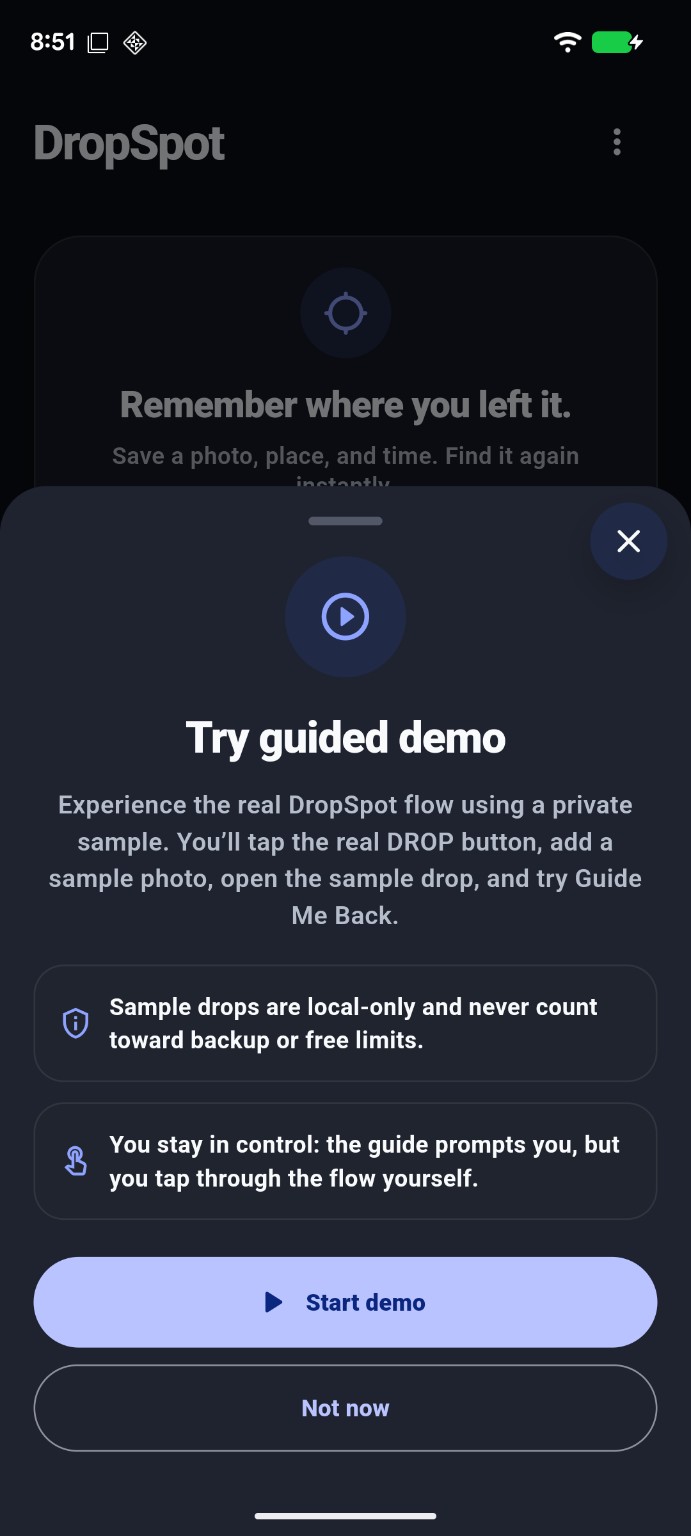
Guided demo
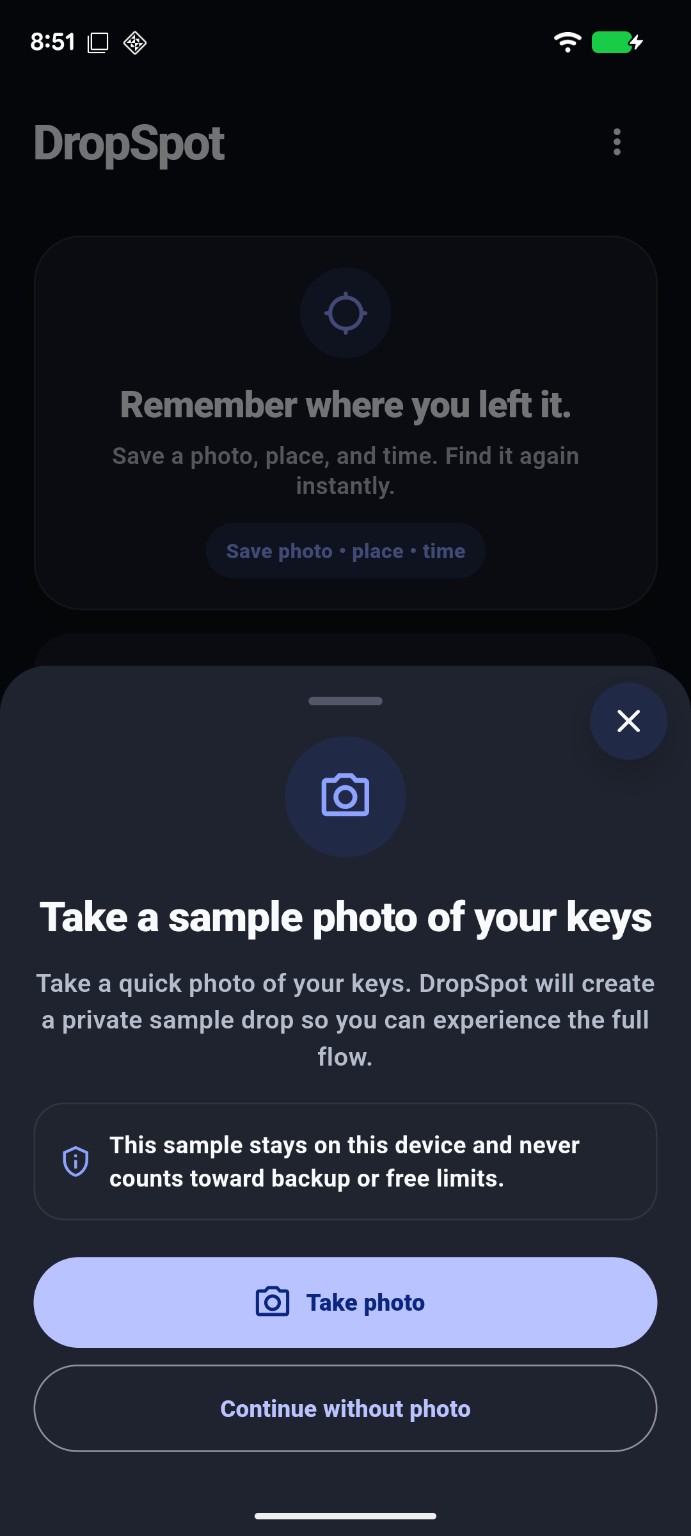
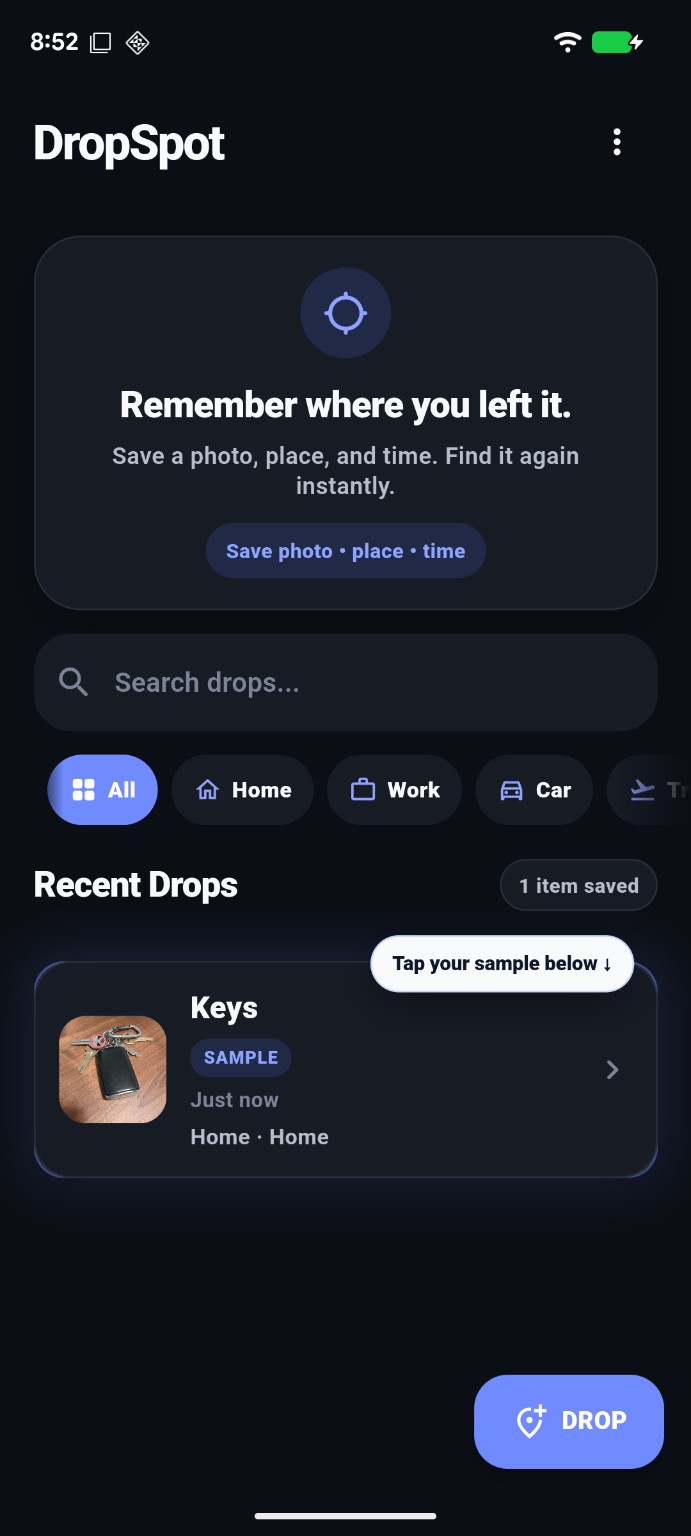
A private sample walkthrough lets you feel the full loop before saving your first real drop.
First real drop
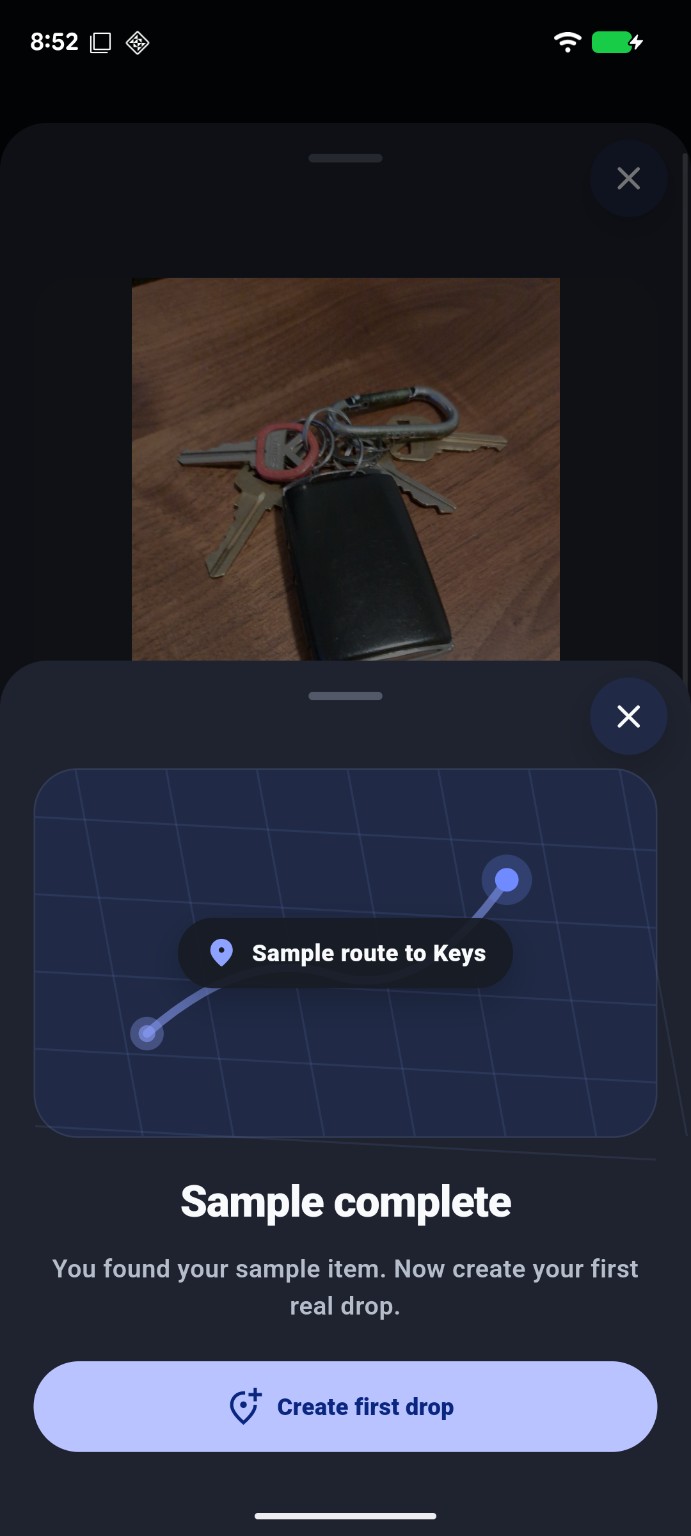
After the sample flow, DropSpot prompts the first real drop and confirms the value immediately.
Cleanup
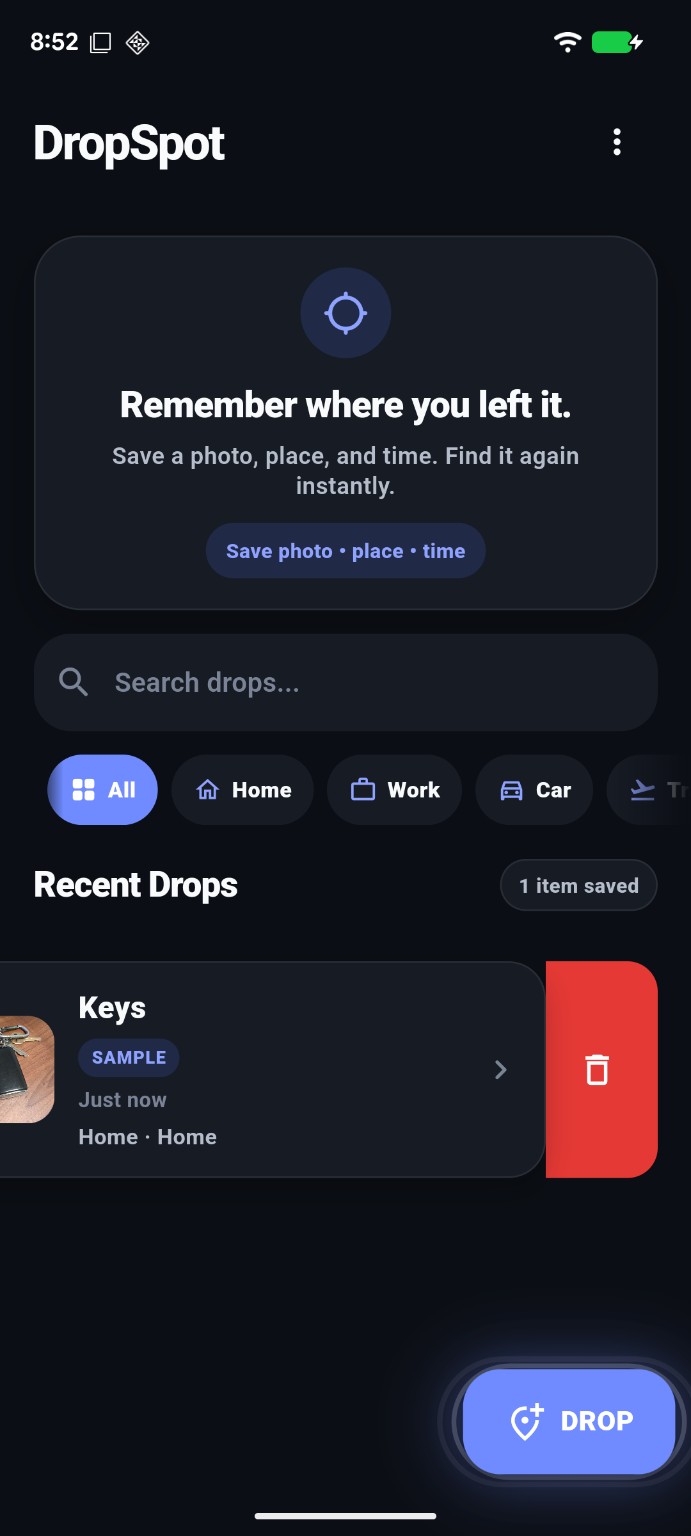
A subtle swipe reveal teaches cleanup without interrupting the main goal: saving the first real drop.
Privacy-aware by design
DropSpot is a focused utility: no social feed, no clutter, and no surprise backup behavior.
Demo drops stay on the device and never count against limits.
Backup is intentional and tied to user choice.
Fast capture and retrieval without extra noise.
TEKCO Labs
Start remembering the things, places, and information that matter.